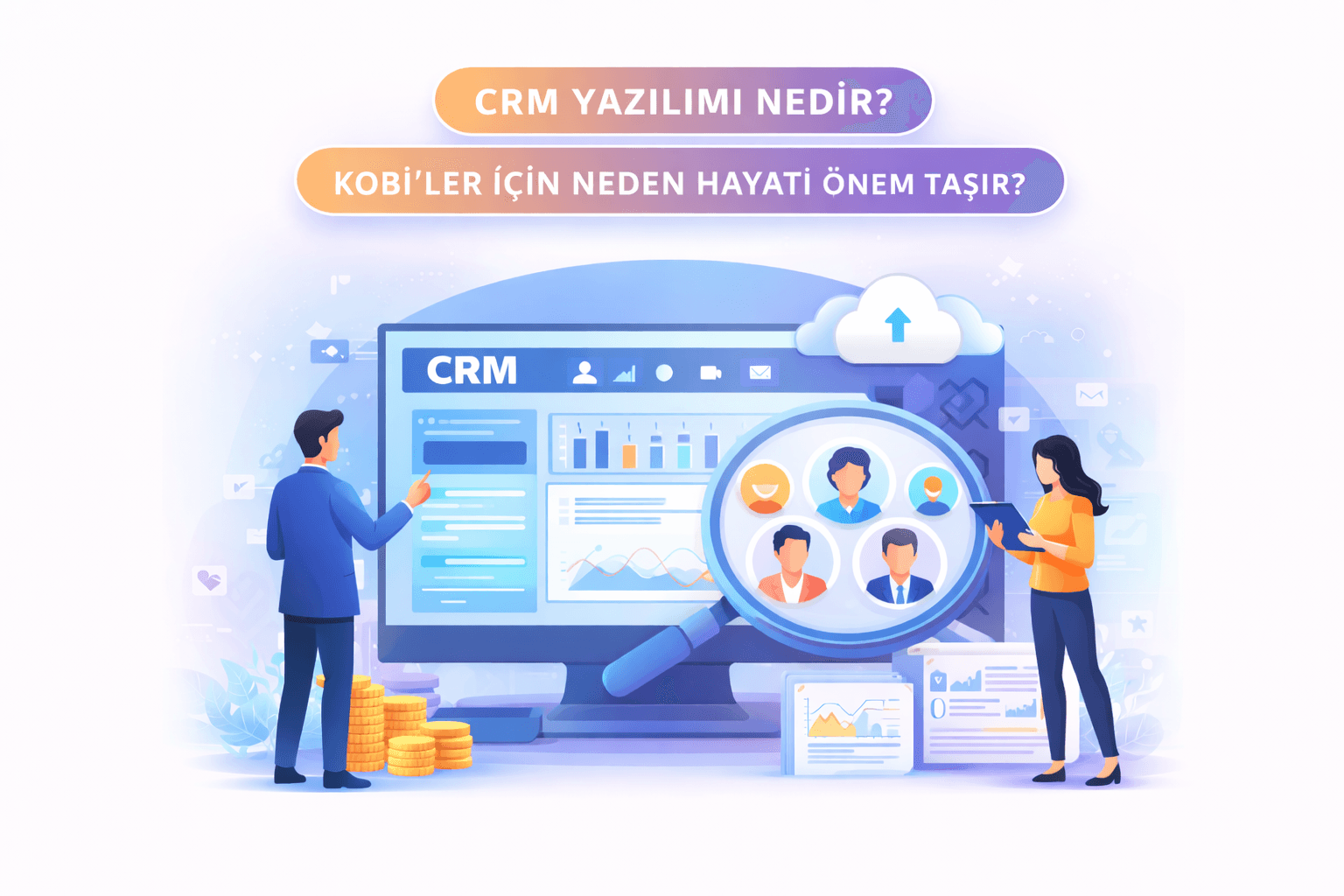
Are you keeping customer information in Excel spreadsheets? Do you struggle to remember which customer you sent a quote to and when? If the answer is yes, you need CRM software.
What Is CRM Software?
CRM (Customer Relationship Management) is software that lets you track all of your business's interactions with its customers from a single, central place.
Put simply: seeing and managing everything about your customer (contact details, meeting notes, quotes, complaints, purchase history) from a single screen.
What Does CRM Do? 5 Core Functions
1. Customer Database
You store all of your customers' details, communication history and notes in a central system. Even if an employee leaves, the customer information stays with the company.
2. Sales Tracking
You track which stage you are at with each customer (quote sent, meeting held, contract signed) through a visual pipeline.
3. Tasks and Reminders
The system reminds you of tasks such as "Call this customer on Friday", "Extend the quote deadline" or "Send the meeting notes".
4. Reporting and Analysis
You view data such as monthly sales figures, customer acquisition rates and your highest-revenue customers through automatic reports.
5. Internal Team Communication
Your sales team no longer works on the same customer with conflicting information. Everyone is on the same page, looking at the same data.
Why Is CRM Important for SMEs?
Large companies are known to use CRM, but the real difference shows up in SMEs:
Moving from Excel to CRM
| Criterion | Excel | CRM |
|---|---|---|
| Finding a customer | Scanning row by row | Found in one click |
| Reminders | Manual notes | Automatic notifications |
| Multiple users | Risk of conflicts | Simultaneous work |
| Reporting | Manual calculation | Automatic dashboard |
| Data security | Files can get lost | Backed up and encrypted |
| Mobile access | Limited | Full access |
Tangible Benefits
- Reduces customer loss: A customer who isn't followed up is a customer lost. CRM makes sure no customer slips through the cracks.
- Shortens the sales cycle: It has been observed to shorten the average sales cycle by 20-30%.
- Team productivity: Employees focus on their work instead of unnecessary coordination.
- Institutional memory: Even when staff change, the knowledge stays with the company.
Off-the-Shelf CRM or Custom CRM?
The Hidden Costs of Off-the-Shelf CRM Solutions (Salesforce, HubSpot, Zoho)
- Monthly license fees per user (5 people × 12 months = a significant cost)
- Standard modules that don't fit your business processes
- Your data sits on another company's servers
- Extra cost whenever you want customization
- No alternative if the platform shuts down or raises its prices
Advantages of Custom CRM Software
- Perfect fit: Matches your business processes exactly, with no unnecessary modules
- Unlimited users: The cost is the same for 5 people or 50
- Code ownership: All source code and data belong entirely to you
- Independence: You are not locked into any platform
- Economical in the long run: With no monthly license fees, it pays for itself within 1-2 years
Why Should You Choose a Custom CRM?
- For small teams: Only the features you need, without unnecessary complexity. Once you add up the monthly license fees of off-the-shelf CRMs, a custom CRM solution is more economical.
- For growing companies: Your software grows as you grow. With off-the-shelf CRMs, growth = higher license fees.
- Industry-specific needs: If you have workflows that don't fit into standard CRMs, a custom solution is the only option.
Features a CRM Software Should Have
- Customer cards: Detailed contact information and history
- Sales pipeline: A visual drag-and-drop interface
- Task management: Assignment, tracking and reminders
- Email integration: Automatic logging of correspondence
- Reporting dashboard: Real-time charts
- Mobile access: Access to the system even in the field
- Role-based authorization: Each user only accesses the information within their permissions
- Data backup: Automatic backup and recovery
Frequently Asked Questions
Is CRM software only for sales teams?
No. Customer service, marketing, operations and management also benefit from CRM. Every customer touchpoint falls within the scope of CRM.
Can I import my existing Excel data into a CRM?
Yes. In a professional CRM migration, your existing data is safely transferred to the new system.
How long does the move to a CRM take?
It depends on the scope of the project. A simple CRM system can be set up in 3-4 weeks, and a comprehensive one in 6-8 weeks.
Should I choose the cloud or my own server?
Cloud solutions offer access from anywhere and low maintenance costs. However, for sensitive data, hosting on your own server may be preferable.
Conclusion
CRM software lets you manage your customer relationships systematically instead of leaving them to chance. By moving beyond Excel spreadsheets, you increase your sales, raise customer satisfaction and multiply your team's productivity.
At FKT Yazılım, we develop CRM and management systems tailored to your business. Get in touch for a secure CRM solution with mobile access that fits your business processes perfectly.
FKT Yazılım - Coding the Future.